Personal Portfolio Site
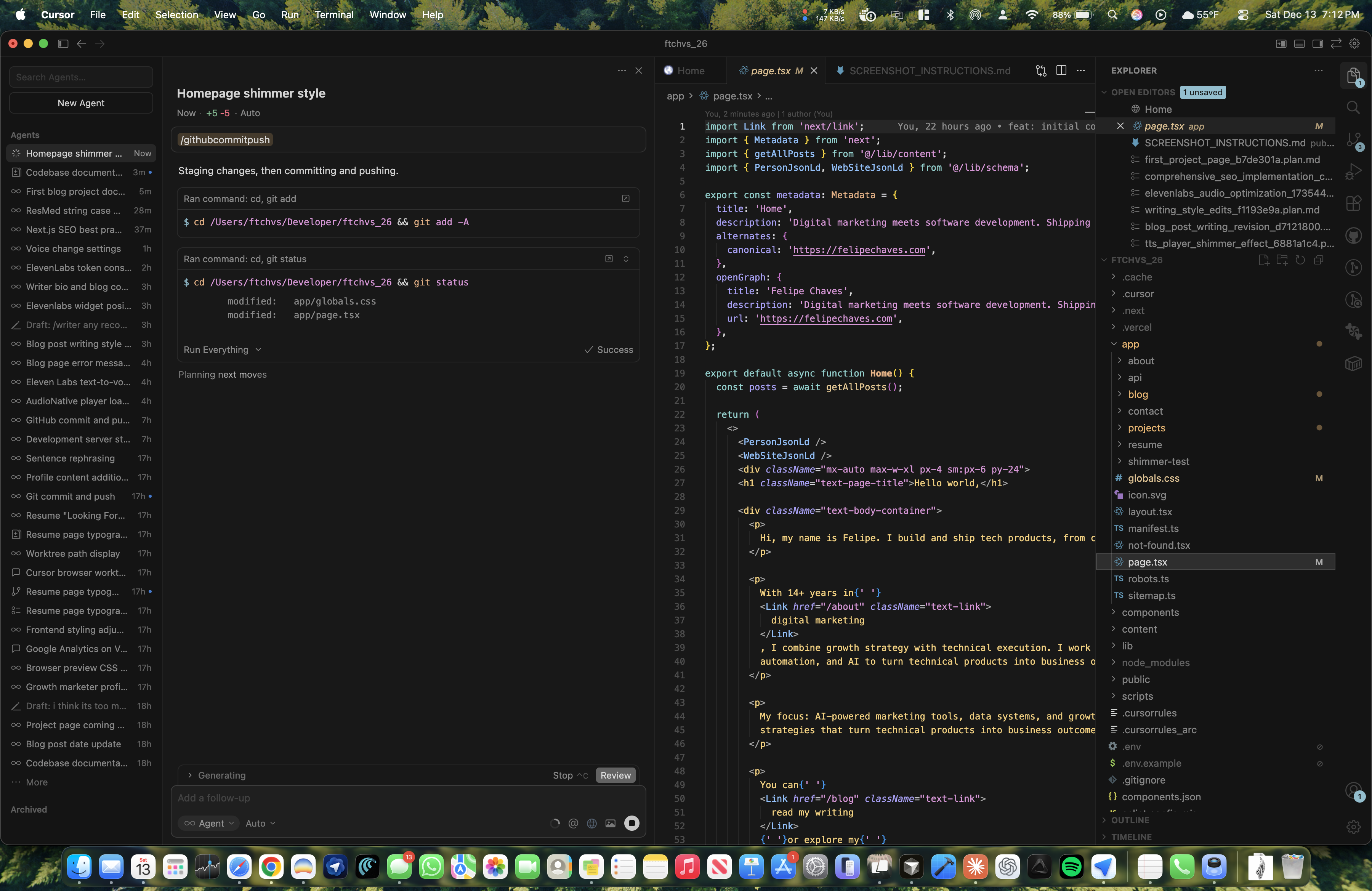
A modern, content-focused portfolio built with Next.js 16, React 19, and TypeScript. Built from scratch with AI-assisted development.
For years I told myself I'd build a personal site. The domain collected dust. The idea never left the notes app.
Then I stopped planning and started building. Two days later, this site was live.
What Changed
I used to think shipping a site meant weeks of work. Picking fonts. Debugging layouts. Writing copy that never felt right. This time I had a different approach: build with AI, ship fast, improve later.
The result: 51 commits in 48 hours. A blog with audio narration. A contact form that actually works. A design system I can extend. Not perfect, but real.
What surprised me wasn't the speed. It was how the work felt. Less searching, more building. Less second-guessing, more shipping. The tools handled the tedious parts so I could focus on what mattered.
This page is the full story. How it came together, what's under the hood, and what I'd do differently next time.
Tech Stack
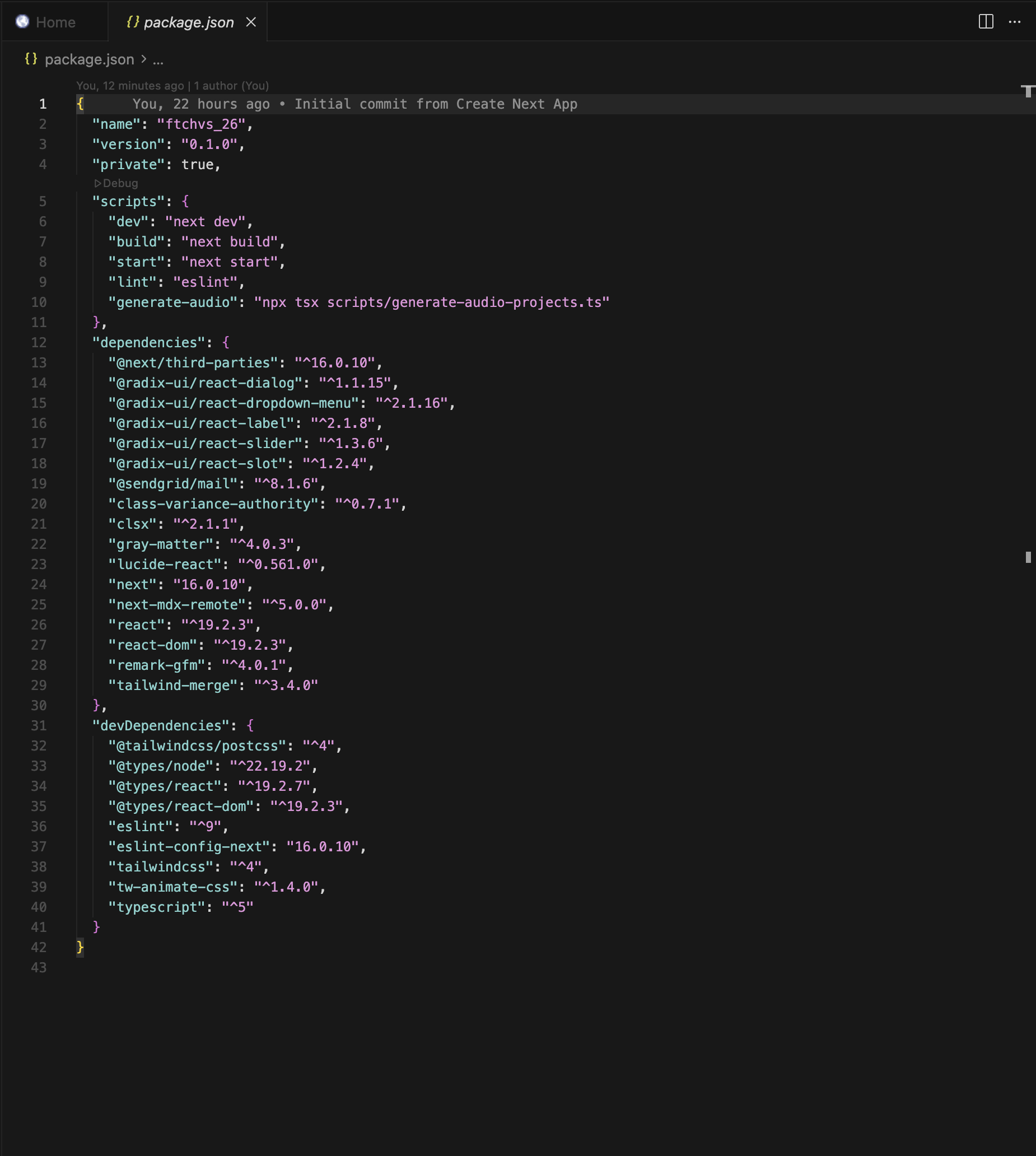
| Category | Technology | Version | Purpose |
|---|---|---|---|
| Framework | Next.js (App Router) | 16.0.10 | Server components, routing, SSR |
| UI Library | React | 19.2.3 | Component architecture |
| Language | TypeScript | 5.x | Type safety |
| Styling | Tailwind CSS | 4.x | Utility-first styling |
| Components | shadcn/ui | New York | Pre-built accessible components |
| Content | next-mdx-remote | 5.0.0 | MDX rendering with frontmatter |
| Parsing | gray-matter | 4.0.3 | Frontmatter extraction |
| Icons | Lucide React | 0.561.0 | SVG icon library |
| SendGrid | 8.1.6 | Contact form delivery | |
| Analytics | Google Analytics 4 | — | Traffic and behavior tracking |
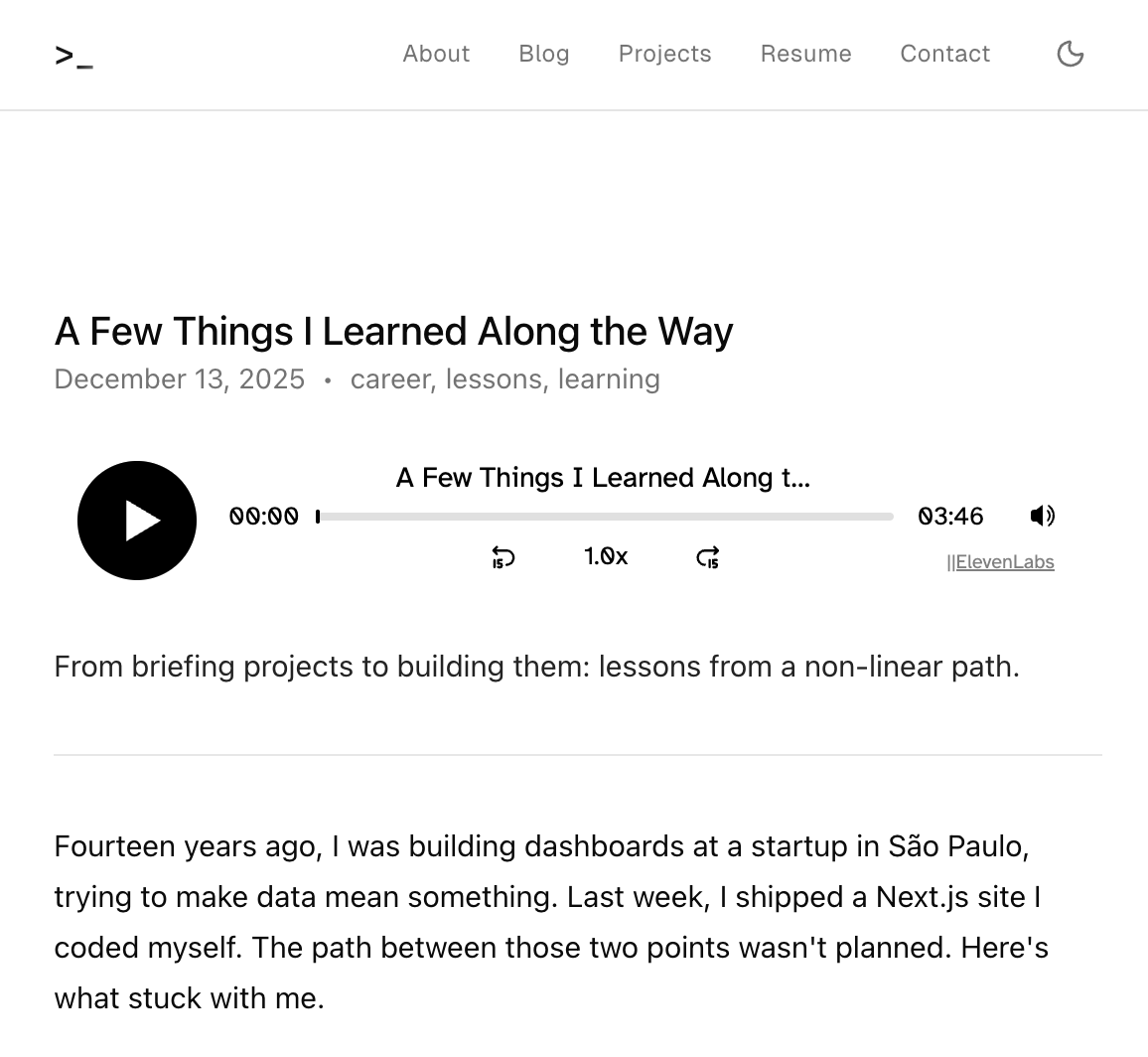
| Audio | ElevenLabs Audio Native | — | Text-to-speech for blog posts |
Architecture
The application follows Next.js App Router conventions with clear separation between pages, components, content, and utilities.
ftchvs_26/
├── app/                    # Next.js App Router pages
│   ├── layout.tsx          # Root layout with fonts and nav
│   ├── page.tsx            # Home page
│   ├── globals.css         # Global styles and design tokens
│   ├── about/              # About page
│   ├── blog/               # Blog listing and [slug] pages
│   ├── projects/           # Projects listing and [slug] pages
│   ├── contact/            # Contact form with API route
│   └── resume/             # Resume page
├── components/             # React components
│   ├── nav.tsx             # Navigation with mobile sheet
│   ├── theme-toggle.tsx    # Dark/light mode toggle
│   ├── tts-player.tsx      # ElevenLabs audio player
│   ├── mdx-content.tsx     # MDX renderer
│   └── ui/                 # shadcn/ui components
├── content/                # MDX content files
│   ├── blog/               # Blog posts
│   ├── pages/              # Static pages (about)
│   └── projects/           # Project case studies
├── lib/                    # Utilities
│   ├── content.ts          # Content loading and parsing
│   ├── constants.ts        # Site configuration
│   ├── schema.tsx          # JSON-LD structured data
│   └── utils.ts            # Helper functions
└── public/                 # Static assets
Data Flow
Content flows from MDX files through lib/content.ts to pages:
- MDX files store content with YAML frontmatter
- gray-matter parses frontmatter into typed objects
- next-mdx-remote serializes MDX for React rendering
- Page components fetch content at request time
- MDX components render the final HTML
Typography Design System
I built a token-based typography system for consistent styling across all pages. Each token maps to specific Tailwind classes.
| Token | CSS Class | Styles | Usage |
|---|---|---|---|
| Page Title | .text-page-title | text-xl font-medium mb-6 | H1 headings |
| Section Title | .text-section-title | text-lg font-medium mt-8 mb-4 | H2 headings |
| Subsection | .text-subsection-title | text-base font-medium mt-6 mb-3 | H3 headings |
| Body | .text-body | text-[15px] leading-relaxed text-foreground/90 | Paragraphs |
| Body Container | .text-body-container | space-y-4 text-[15px] leading-relaxed | Multiple paragraphs |
| Meta | .text-meta | text-[14px] text-muted-foreground | Dates, tags, labels |
| Link | .text-link | underline underline-offset-2 hover:text-foreground | Inline links |
| List Item | .text-list-item | text-sm text-foreground/80 | Card and list text |
Font Stack
- Geist Sans — Primary typeface for body text and UI
- Geist Mono — Code blocks and the terminal logo
Both fonts load via next/font/google with display: swap for optimal performance.
Color System
Colors use the OKLCH color space for perceptually uniform adjustments. The system includes:
- Light mode — Neutral grayscale with subtle accents
- Dark mode — Deep backgrounds with high contrast text
- Semantic colors — Primary, secondary, muted, accent, destructive, success
Key Features
Dark Mode
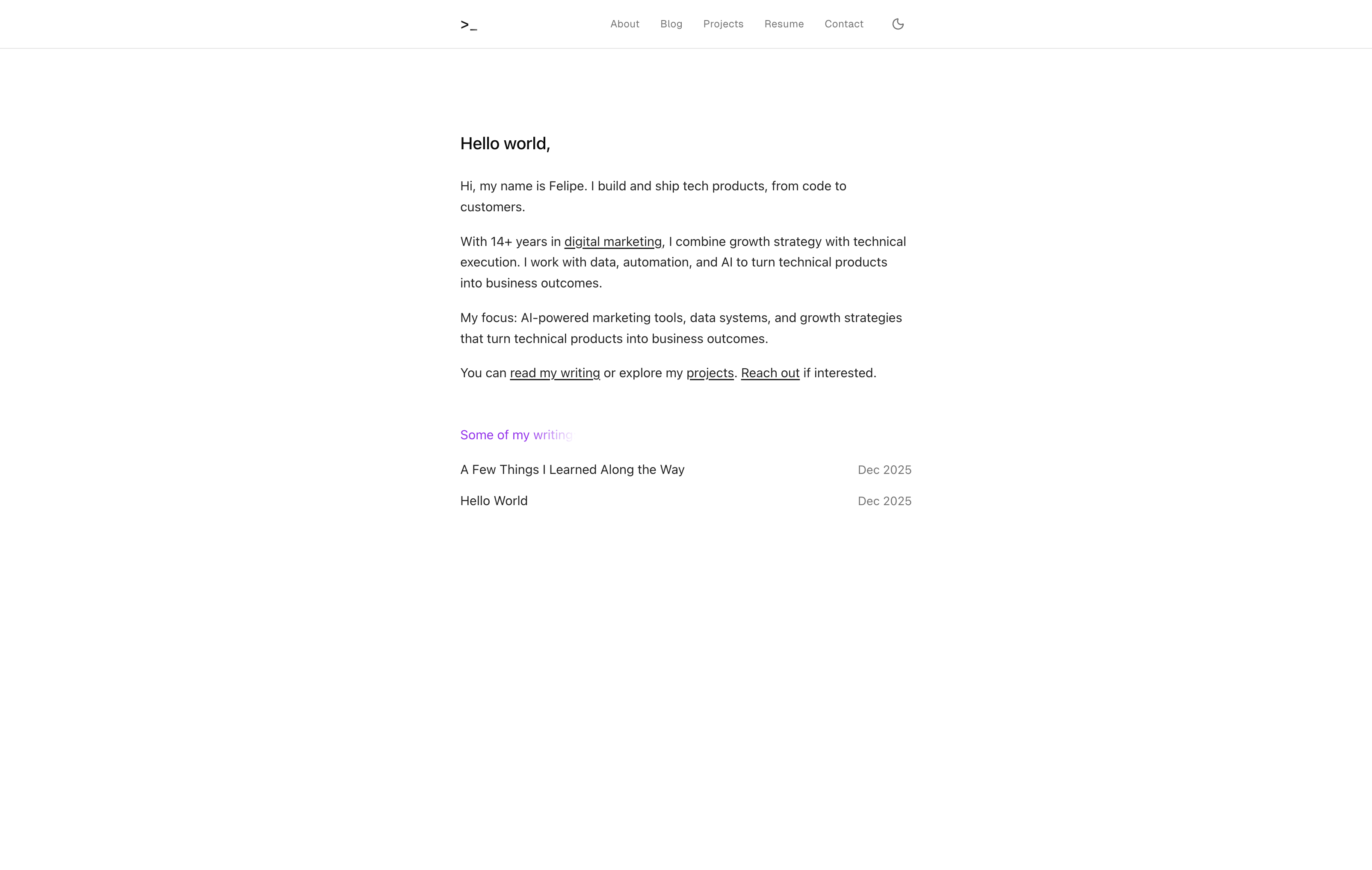
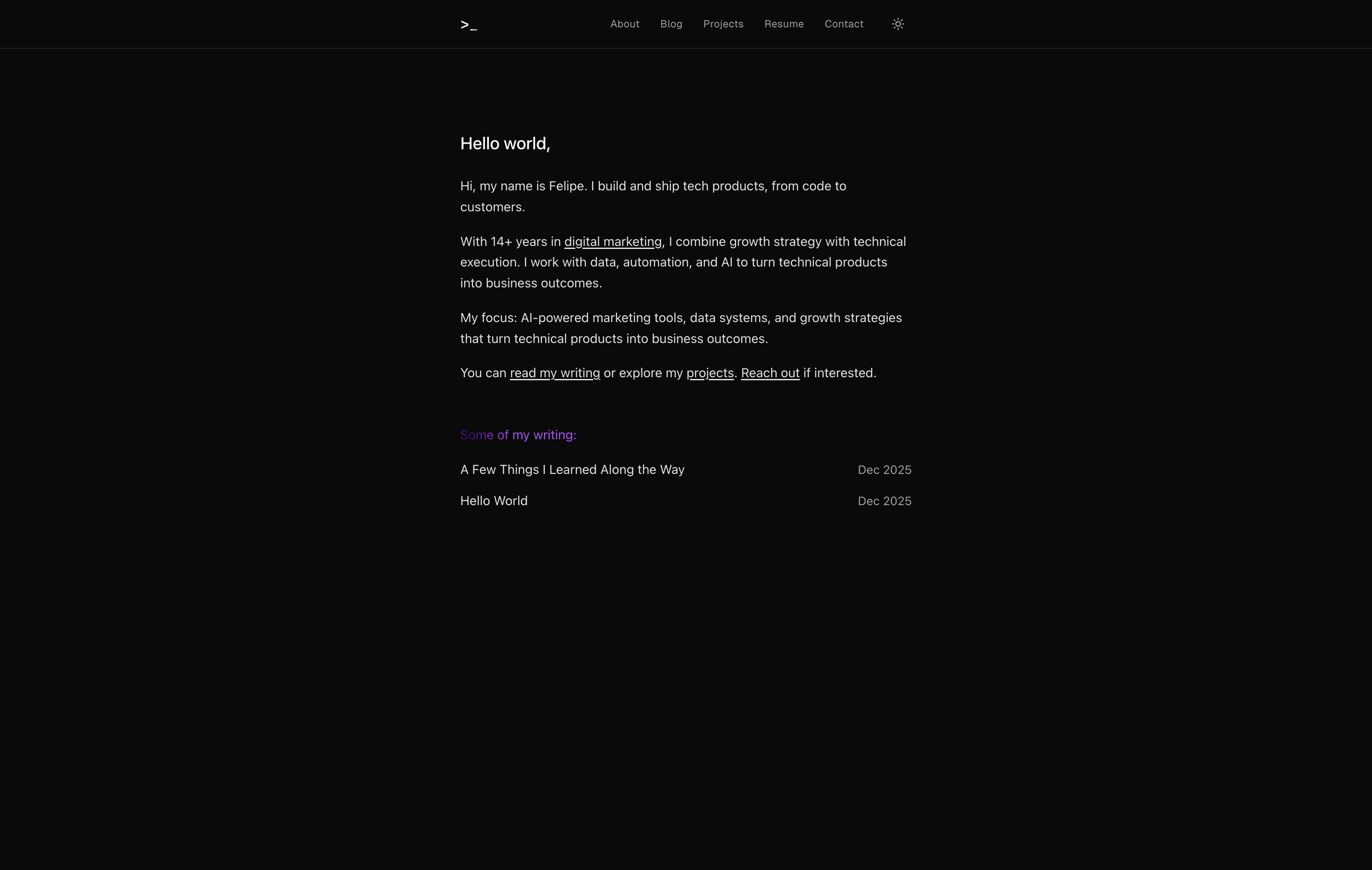
Theme preference persists in localStorage and respects system settings on first visit. A blocking script in <head> prevents flash of wrong theme.
<script dangerouslySetInnerHTML={{
  __html: `(function(){
    var t = localStorage.getItem('theme') ||
      (matchMedia('(prefers-color-scheme:dark)').matches ? 'dark' : 'light');
    if (t === 'dark') document.documentElement.classList.add('dark')
  })();`,
}} />
Text-to-Speech
The player loads dynamically to avoid hydration issues:
const TTSPlayer = dynamic(
  () => import('@/components/tts-player').then((mod) => mod.TTSPlayer),
  { ssr: false }
);
Creating a Voice Clone on ElevenLabs
To create your own voice clone for the audio player:
- Sign up or log in to ElevenLabs
- Navigate to the Voices section in the dashboard (left sidebar)
- Click Add a new voice
- Choose Professional Voice Clone (recommended for best quality) or Instant Voice Clone (faster, requires less audio)
- Upload audio samples:
- Professional Voice Clone: At least 1 hour of high-quality audio (ideally 2-3 hours for best results)
- Instant Voice Clone: Minimum 30 seconds of clean audio
- Split long recordings into ~30-minute samples for easier uploading
- Use clean, high-quality recordings without background noise, echo, or unwanted sounds
- Optionally record directly in the interface using Record yourself with provided sample scripts
- Name and label your voice clone
- Confirm you have the right and consent to clone the voice
- Click Save voice to train the model
- Once trained, copy the Voice ID from the voice settings
- Configure it in the project by updating
ELEVENLABS_VOICE_IDinlib/constants.ts
Voice Sample
Here's a sample of the cloned voice:
To generate the audio sample, you can use the ElevenLabs Text to Speech playground. Select your cloned voice, enter the text, click Generate, then download and save the file as voice-sample.mp3 in the public/audio/ directory.
Blog Audio Narration (local Kokoro)
Update — April 2026. Blog posts and the About page now use Kokoro-82M, an Apache-2.0-licensed TTS model (82M parameters, voice af_heart) running locally on CPU via kokoro-onnx. Generation is deterministic, free, and has no external API dependency. The voice sample above is kept as the original ElevenLabs-cloned voice — only the blog narration was migrated.
Setup is one-time: npm run setup:kokoro creates a gitignored .kokoro/ directory with a Python venv and the ONNX model (~340 MB). After that, npm run generate-audio narrates all English content and updates public/audio/manifest.json with per-post content hashes. On an Apple M4 Max the model runs at roughly 5× real-time — a three-minute post narrates in about thirty seconds.
Contact Form
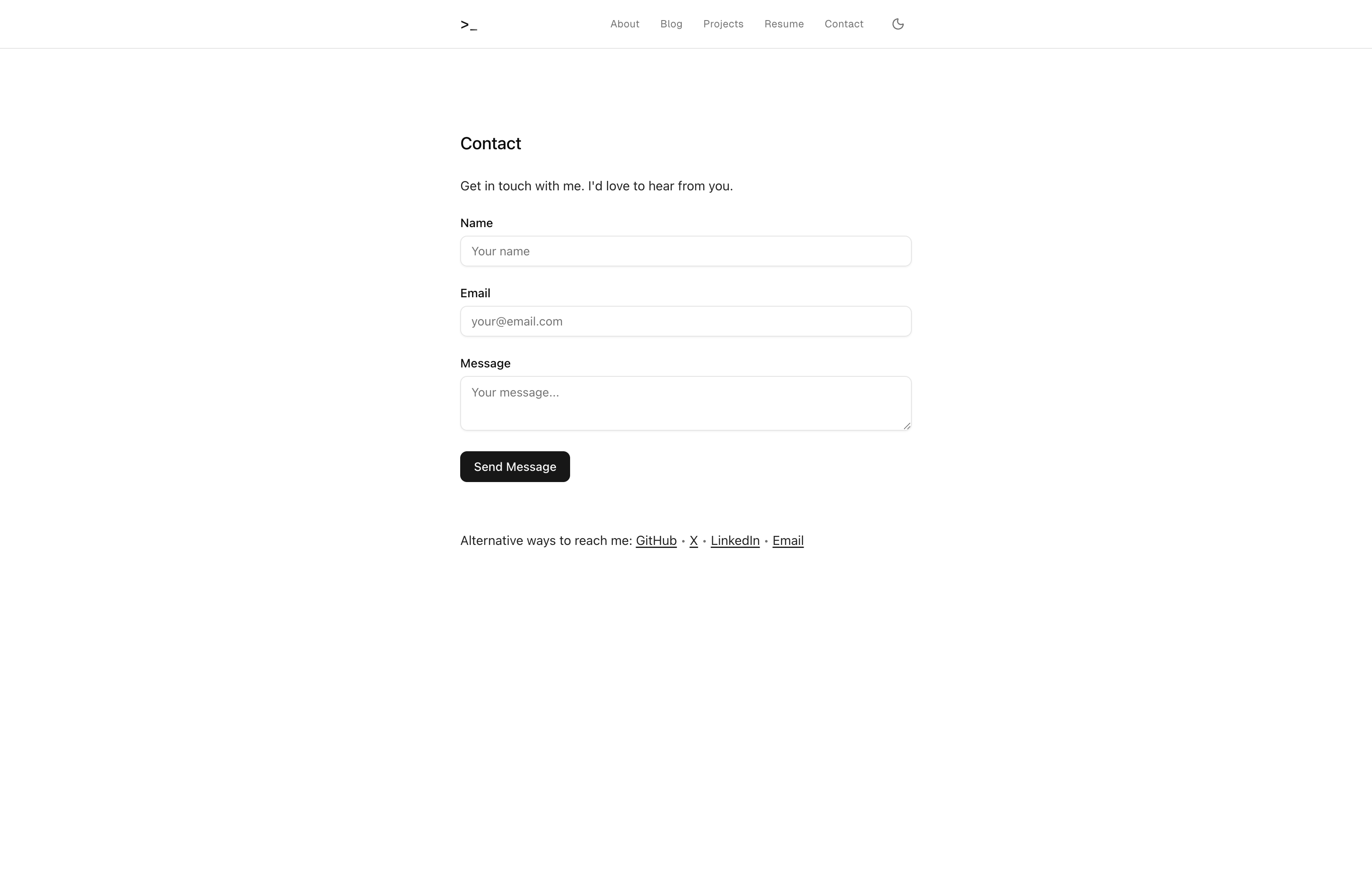
The contact form uses SendGrid for email delivery with:
- Client-side validation
- Server-side API route at
/contact/api - Reply-to header for direct responses
- Error handling with user-friendly messages
SEO
Every page includes:
- Metadata — Title, description, keywords
- Open Graph — Social sharing images and text
- Twitter Cards — Twitter-specific formatting
- JSON-LD — Structured data for Person, Website, Article, Breadcrumb
- Sitemap — Auto-generated at
/sitemap.xml - Robots — Search engine crawl rules
Build Process
Phase 1: Project Setup
Started with create-next-app using the App Router template. Added TypeScript, Tailwind CSS 4, and configured shadcn/ui with the New York style variant.
npx create-next-app@latest ftchvs_26 --typescript --tailwind --app
npx shadcn@latest init
Phase 2: Core Layout
Built the root layout with Geist fonts and a responsive navigation. The nav includes a desktop menu and a mobile sheet (slide-out drawer) from shadcn/ui.
The terminal logo (>_) uses a shimmer animation that adapts to light and dark modes.
Phase 3: Content System
Created lib/content.ts to handle MDX loading:
getAllPosts()— Fetch all blog posts sorted by dategetPostBySlug()— Fetch single post with serialized MDXgetAllProjects()— Fetch all projectsgetProjectBySlug()— Fetch single project with serialized MDXgetPageBySlug()— Fetch static pages like About
Each function reads from the filesystem, parses frontmatter with gray-matter, and serializes content with next-mdx-remote.
Phase 4: Pages
Built six main routes:
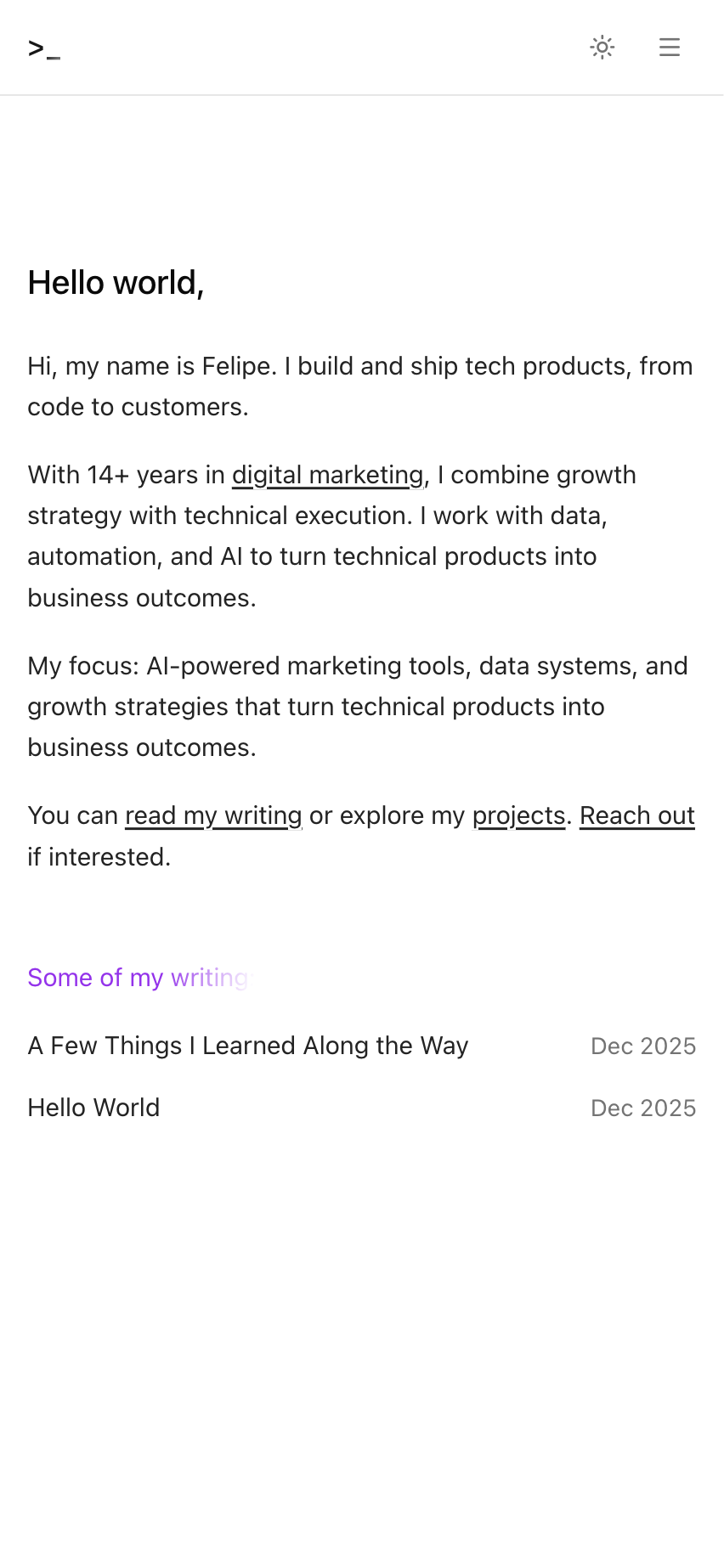
- Home — Introduction with recent writing list
- About — Professional background loaded from MDX
- Blog — Post listing and individual post pages
- Projects — Project showcase (this page)
- Resume — Professional experience and skills
- Contact — Form with SendGrid integration
Phase 5: Integrations
SendGrid: Configured API route to send emails from the contact form. The sender must be verified in SendGrid's authentication settings.
Google Analytics 4: Added via @next/third-parties with conditional loading based on NEXT_PUBLIC_GA_ID.
Phase 6: Design System
Implemented typography design tokens in globals.css. Added OKLCH color variables for light and dark modes. Created shimmer animation with CSS custom properties.
Phase 7: SEO
Added metadata to every page. Created sitemap and robots.txt generators. Implemented JSON-LD structured data for Person, WebSite, Article, and BreadcrumbList schemas.
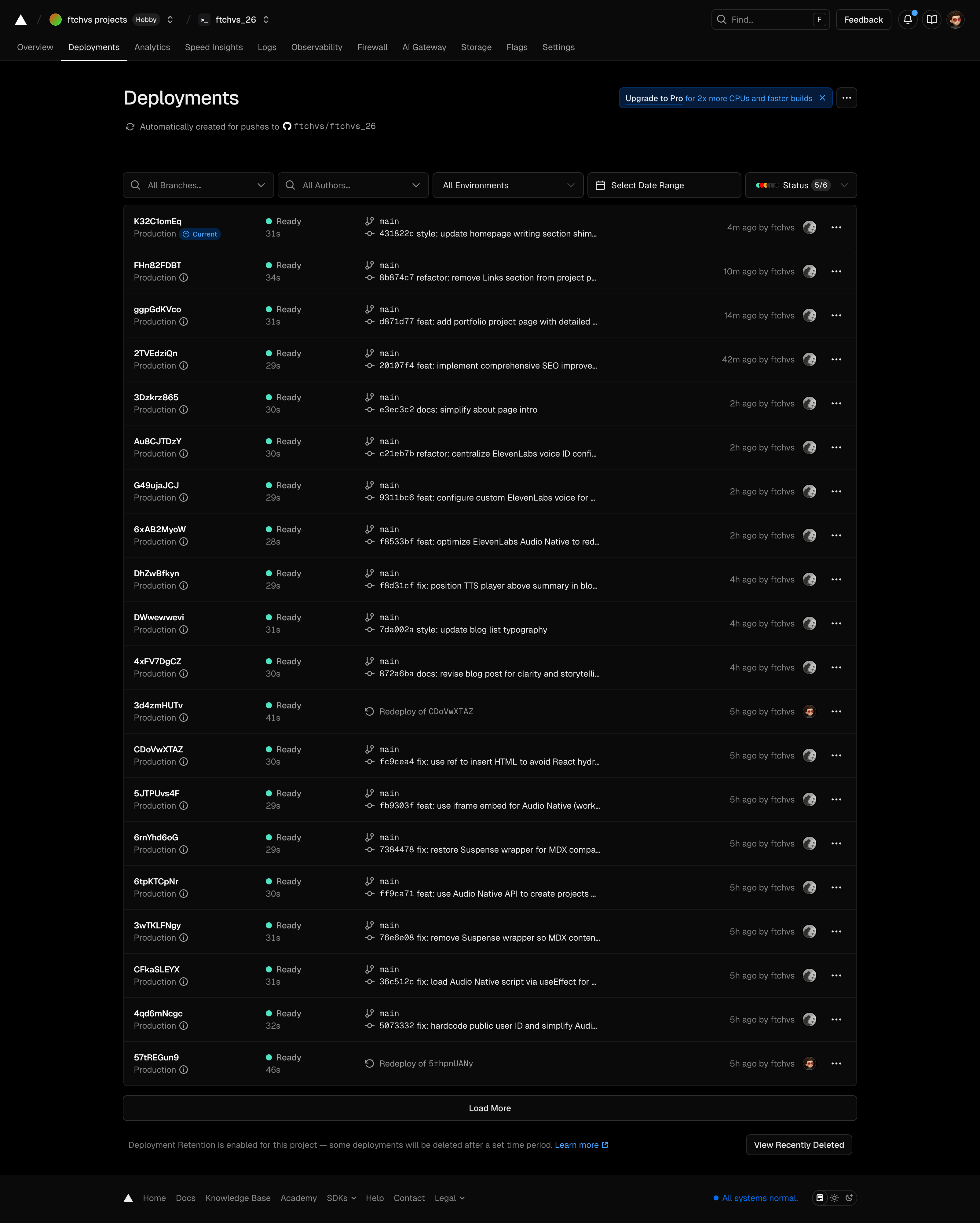
Phase 8: Deployment
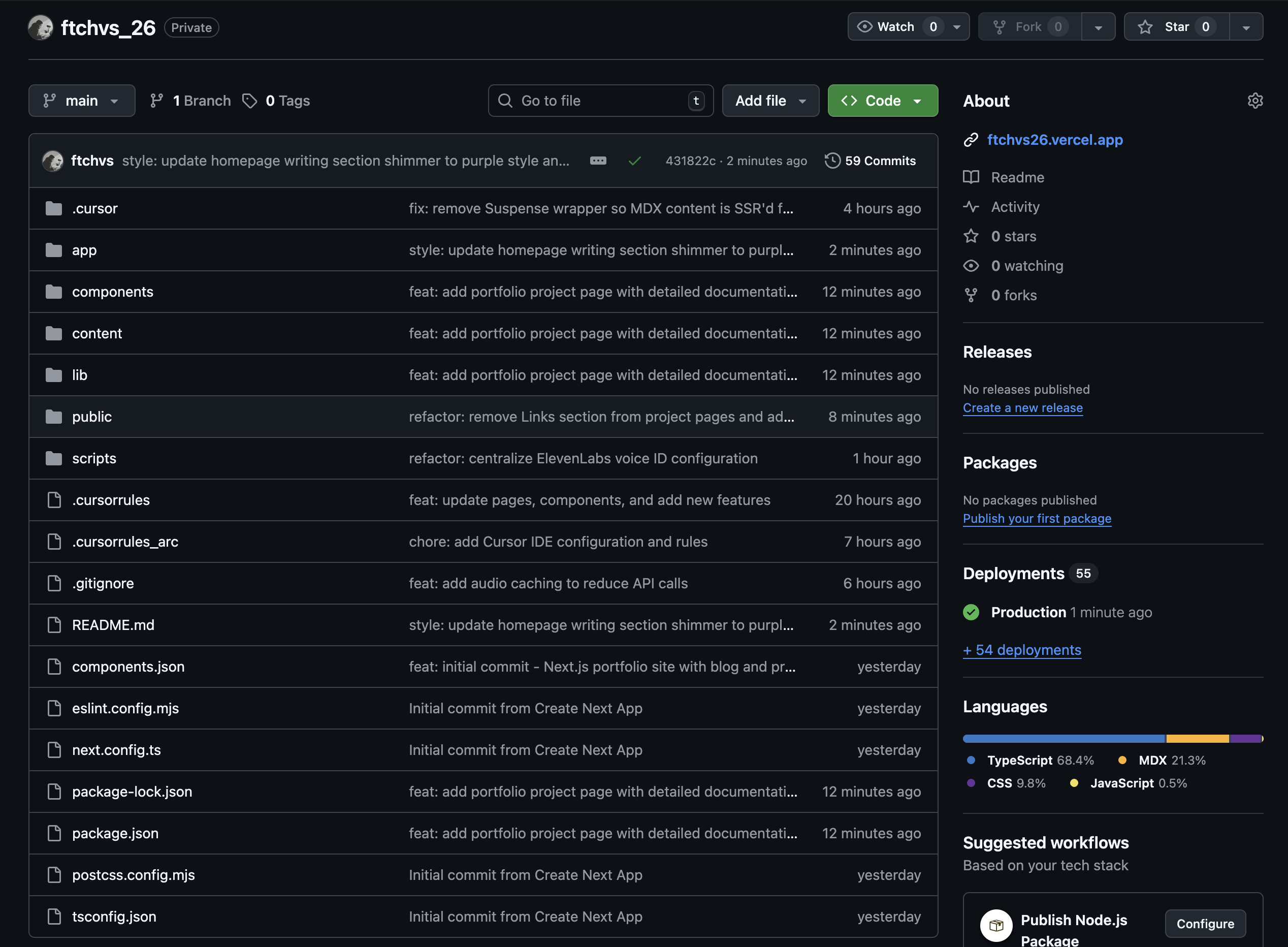
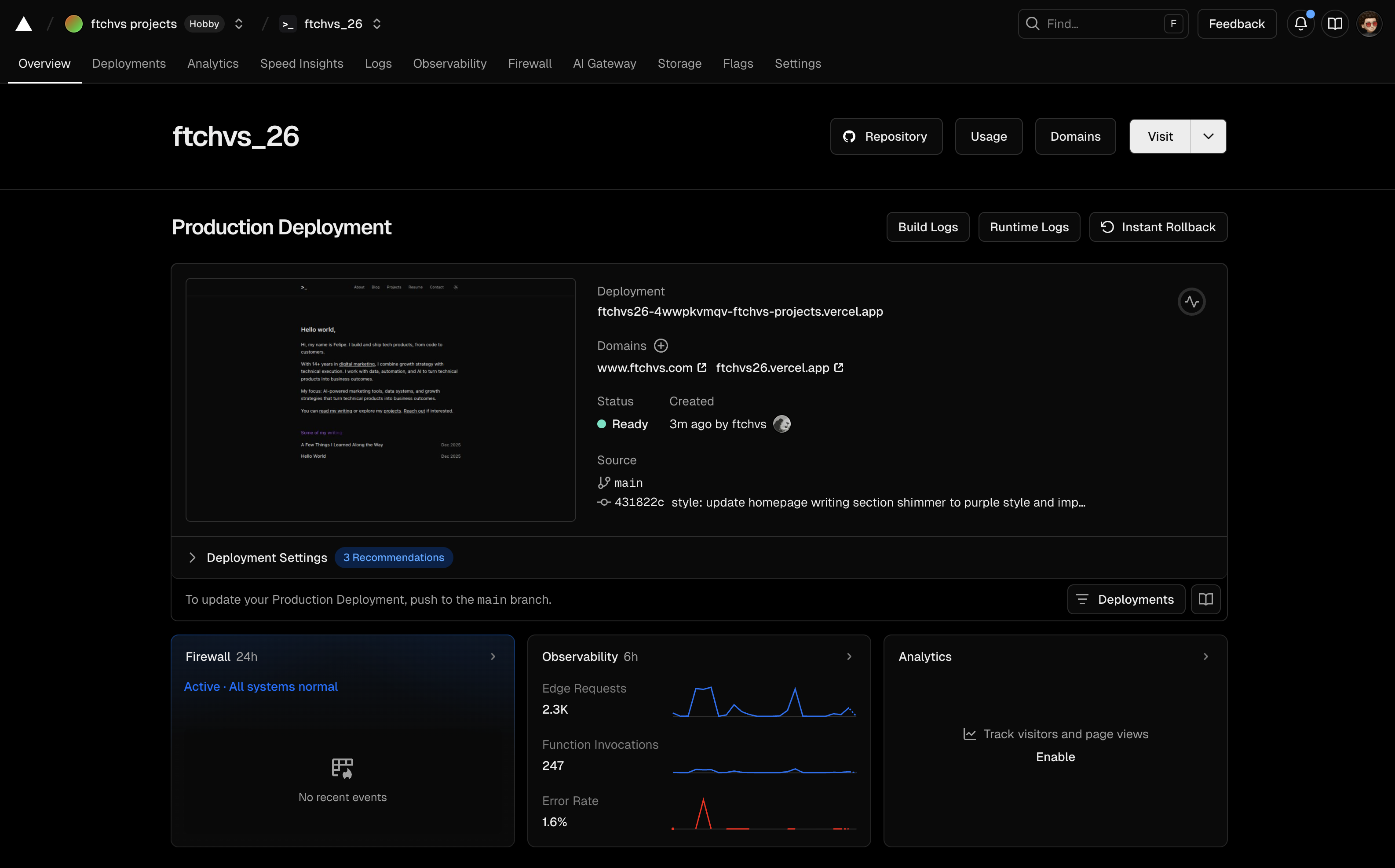
Pushed to GitHub and imported into Vercel. Configured environment variables:
NEXT_PUBLIC_SITE_URL— Canonical URLNEXT_PUBLIC_GA_ID— Google AnalyticsSENDGRID_API_KEY— Email deliveryCONTACT_EMAIL_TO— Recipient addressCONTACT_EMAIL_FROM— Verified sender
Changelog
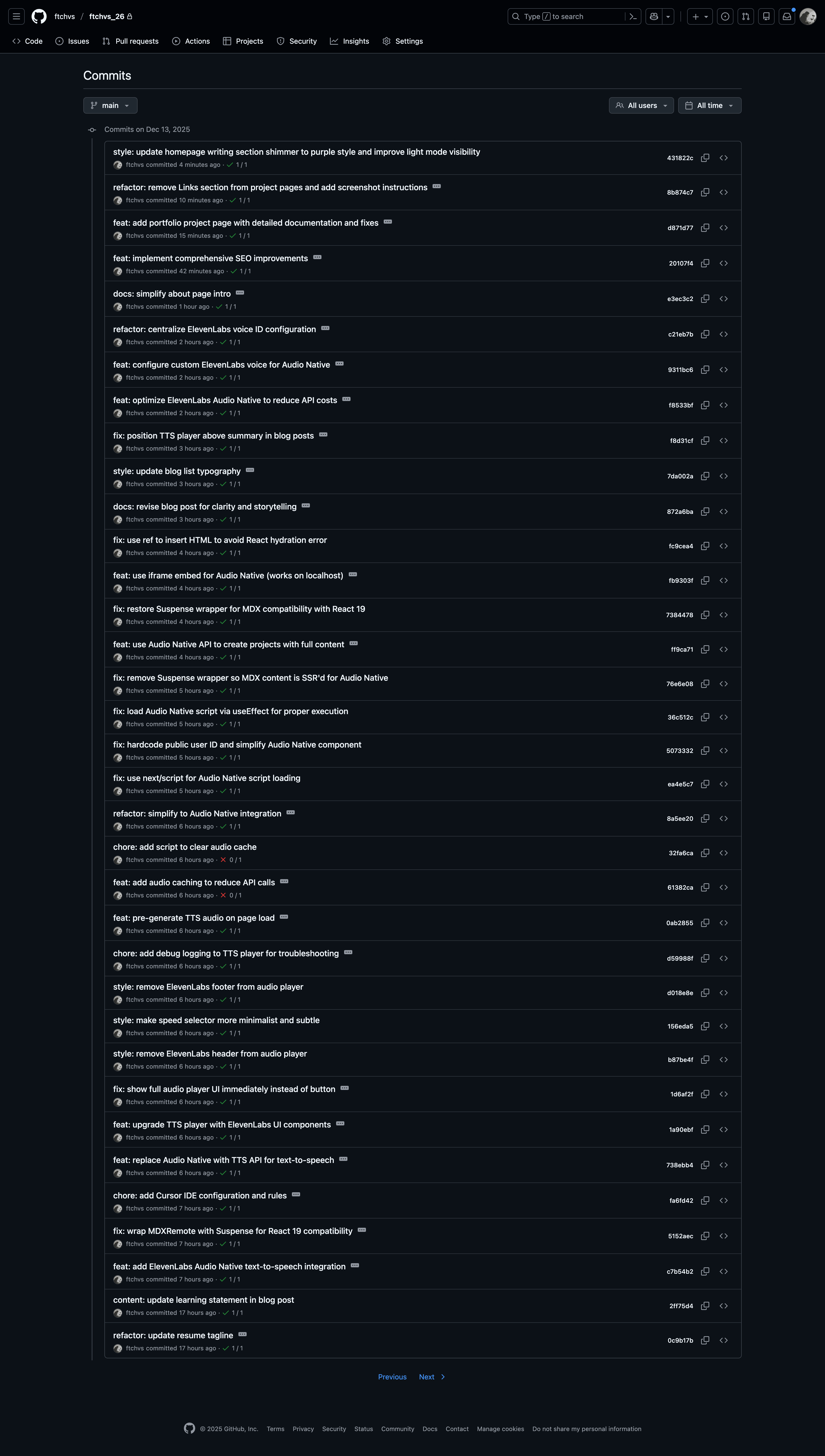
A detailed timeline of development, extracted from the Git commit history. Latest first.
Development Stats
- Total commits: 51
- Development time: ~2 days
- Major features: 8
- Bug fixes: 12
- Refactors: 15
- Style updates: 16
December 13, 2025 — Day 2: Polish & Features
Night: Final Polish
| Commit | Description |
|---|---|
20107f4 | Major: Comprehensive SEO improvements |
e3ec3c2 | Simplified about page intro |
c21eb7b | Centralized voice ID configuration |
9311bc6 | Configured custom ElevenLabs voice |
f8533bf | Major: Optimized ElevenLabs to reduce API costs |
f8d31cf | Positioned TTS player above summary |
7da002a | Updated blog list typography |
872a6ba | Revised blog post for clarity and storytelling |
Evening: Audio Optimization
| Commit | Description |
|---|---|
fc9cea4 | Used ref to insert HTML (hydration fix) |
fb9303f | Used iframe embed for Audio Native |
7384478 | Restored Suspense wrapper for MDX compatibility |
ff9ca71 | Major: Audio Native API with full content projects |
76e6e08 | Removed Suspense for SSR'd Audio Native |
36c512c | Load Audio Native via useEffect |
5073332 | Hardcoded public user ID |
ea4e5c7 | Used next/script for Audio Native loading |
8a5ee20 | Simplified to Audio Native integration |
32fa6ca | Added script to clear audio cache |
61382ca | Added audio caching to reduce API calls |
0ab2855 | Pre-generate TTS audio on page load |
d59988f | Added debug logging to TTS player |
Late Afternoon: Audio Integration Sprint
| Commit | Description |
|---|---|
d018e8e | Removed ElevenLabs footer from player |
156eda5 | Made speed selector more minimalist |
b87be4f | Removed ElevenLabs header from player |
1d6af2f | Show full audio player UI immediately |
1a90ebf | Upgraded TTS player with ElevenLabs UI components |
738ebb4 | Replaced Audio Native with TTS API |
fa6fd42 | Added Cursor IDE configuration and rules |
5152aec | Wrapped MDXRemote with Suspense for React 19 |
c7b54b2 | Major: Added ElevenLabs Audio Native TTS integration |
Afternoon: Typography & Resume
| Commit | Description |
|---|---|
2ff75d4 | Updated learning statement in blog post |
0c9b17b | Updated resume tagline |
3e6b185 | Added dash prefix to Skills and Education items |
3371a03 | Removed "Looking For" section from resume |
649010d | Improved resume typography and alignment |
f03743e | Updated font sizes for list items, links, meta text |
Late Morning: Content Strategy
| Commit | Description |
|---|---|
c5d35e4 | Added audience targeting to About page |
45e61a2 | Toned down "building tools myself" messaging |
b7a8cd8 | README updates for new positioning |
ae9f3a3 | Refined growth marketer positioning across all pages |
701a36f | Repositioned site as "Growth Marketer who codes" |
db41419 | Replaced projects page with "Coming Soon" placeholder |
Morning: Design System
| Commit | Description |
|---|---|
4b7f5ff | Updated README with typography tokens, SendGrid, GA4 docs |
d850b7e | Reordered nav menu: About, Blog, Projects, Resume, Contact |
a17536b | Major: Typography design token system implementation |
a91398f | Updated favicon to terminal prompt icon (>_) |
c85a8c8 | Removed focus ring border on terminal logo |
af50e11 | Refactored shimmer animation for light/dark mode support |
December 12, 2025 — Day 1: Foundation
| Commit | Description |
|---|---|
0b4e0a2 | Major: Integrated SendGrid for contact form with enhanced UI |
5bf8d6a | Fixed text selection on terminal logo click |
2ab20b1 | Disabled static generation for MDX (React 19 compatibility fix) |
0d1a813 | Added pages, components, and core features |
891648c | Merged README documentation |
08bc5e0 | Major: Initial Next.js portfolio site with blog and projects structure |
7850991 | Repository initialization on GitHub |
20aed18 | Initial commit from Create Next App |
Key Milestones:
- Complete App Router structure with 6 routes
- MDX content system with gray-matter parsing
- shadcn/ui component library integration
- Contact form with email delivery
- Responsive navigation with mobile drawer
Screenshots
What I Learned
AI-assisted development is real. Cursor and Claude handled boilerplate, caught errors, and suggested patterns I wouldn't have found alone. The bottleneck shifted from typing to thinking.
TypeScript pays off early. Type errors caught bugs before they hit the browser. The initial setup time saved hours of debugging.
Design tokens scale. Defining typography classes once meant consistent styling without constant decisions. Changes propagate automatically.
MDX is flexible. Frontmatter schemas let content drive the UI. Adding a new field takes minutes, not refactors.
Next Steps
- Add more projects as case studies
- Implement blog post search and filtering
- Add RSS feed for blog subscribers
- Explore ISR (Incremental Static Regeneration) for content updates
Outcomes
- •Built from scratch with AI-assisted development (Cursor + Claude)
- •Implemented custom typography design token system
- •Integrated ElevenLabs Audio Native for text-to-speech
- •Configured SendGrid for contact form functionality
- •Deployed on Vercel with comprehensive SEO